AccuRev Commands
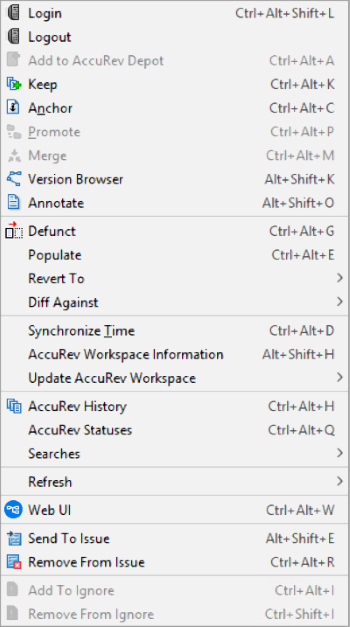
You can run AccuRev’s version-control commands from context menus and from the menu. For a complete reference to the commands available in AccuRev Plug-In for IntelliJ IDEA, see Executing AccuRev Commands. When you right click on an element and select AccuRev, the following context menu appears:
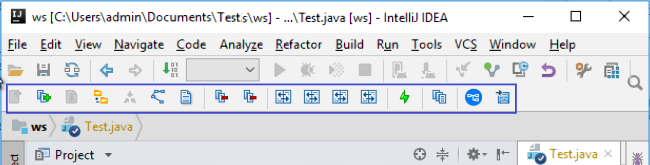
When you select an element, the AccuRev toolbar gets highlighted as:
Also, when you right click on an element and select AccuRev, the following context menu appears: